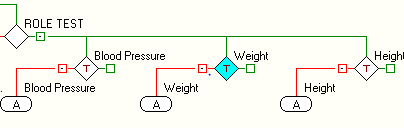
An additional status configuration can be applied to the data controls on a template influenced by role filters. This additional configuration of a role determines whether the data control appears disabled or is invisible.
The configuration settings are accessed as follows:
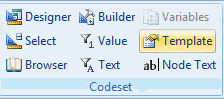
• Highlight the node you wish to define and then click on the Template option on the tool bar:
This will open the configuration window:
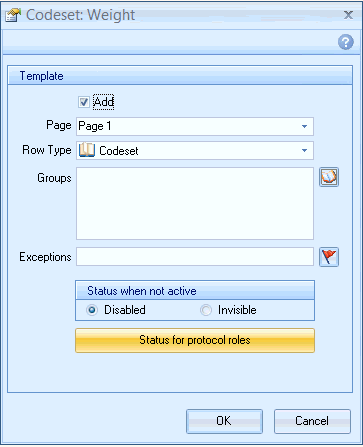
• Click on the Status for protocol roles option. The following window displays:
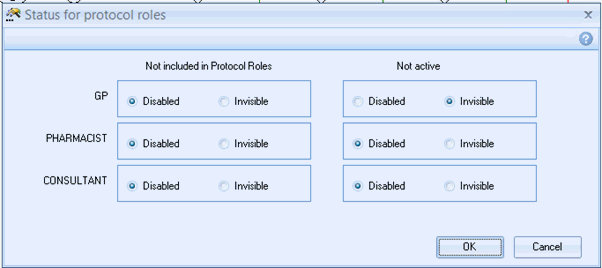
The window is divided into two sections :
Not included in Protocol Roles
Not active
Not included in Protocol Roles
These settings apply to the generally active data control. The Roles that have been created will display in the Status for protocol roles box. As shown in the example above
GP - not applicable because the GP was specified in the filter
PHARMACIST - the normally active data control can appear disabled or invisible
CONSULTANT - the normally active data control can appear disabled or invisible