Node Styles
Node styles allows the Administrator to create stylised nodes for your
organisation to be used in Workflow when Adding
and editing Workflow Nodes.
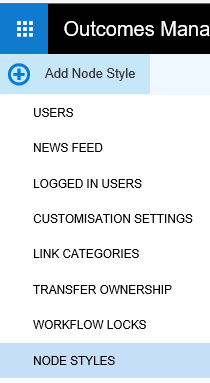
- In the Administration section, click the NODE
STYLES menu.
- Click the Add Node Style icon.
The Node Style window appears:
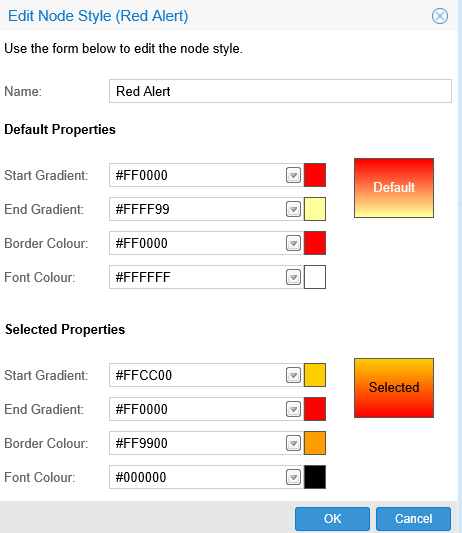
- Name your Node and configure the properties. As you configure your
node the preview pane displays the changes.
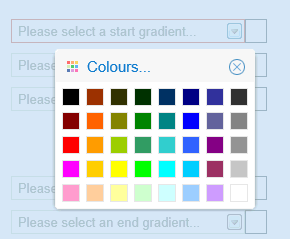
The drop down arrows display colour charts for your Node style.
To edit or delete your Node Style:
- Click on the Node style you have created.
- Select Edit Node Style
or Delete Node Style from
the menu.
