Transfer Ownership
Transfer ownership is used to transfer Workflows and Guidelines form
one user to another.
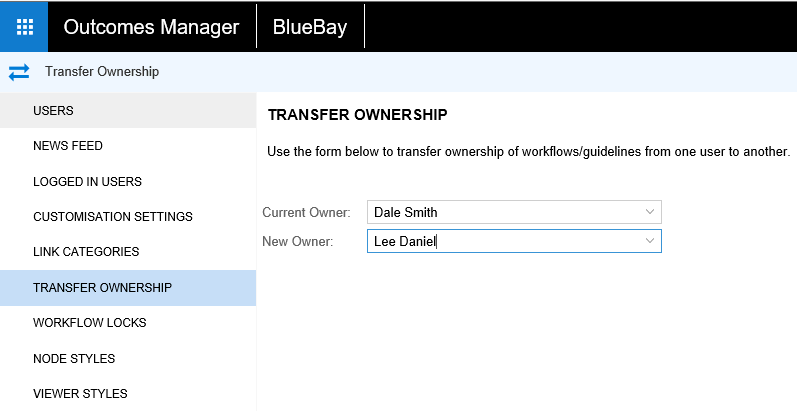
- In the Administration section, select the Current
Owner you want to transfer the files from.
- Select the New Owner you
want to transfer the files to.
Once the New Owner has been selected, the Transfer
Ownership button appears
- Click the Transfer Ownership
button
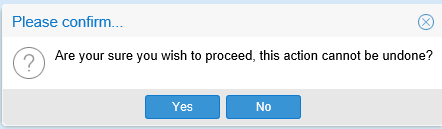
A warning message appears: