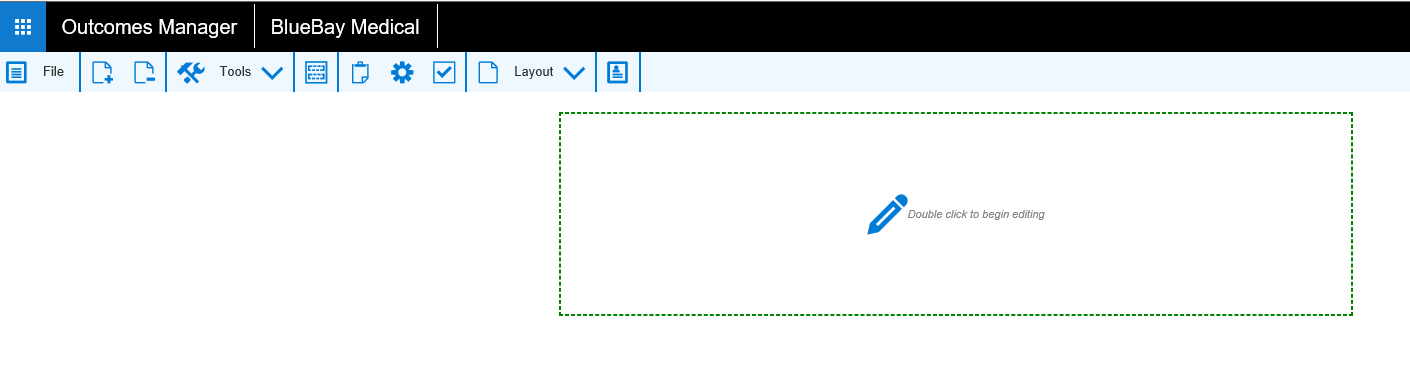
This opens a blank Guideline screen by default. A new blank section is displayed.
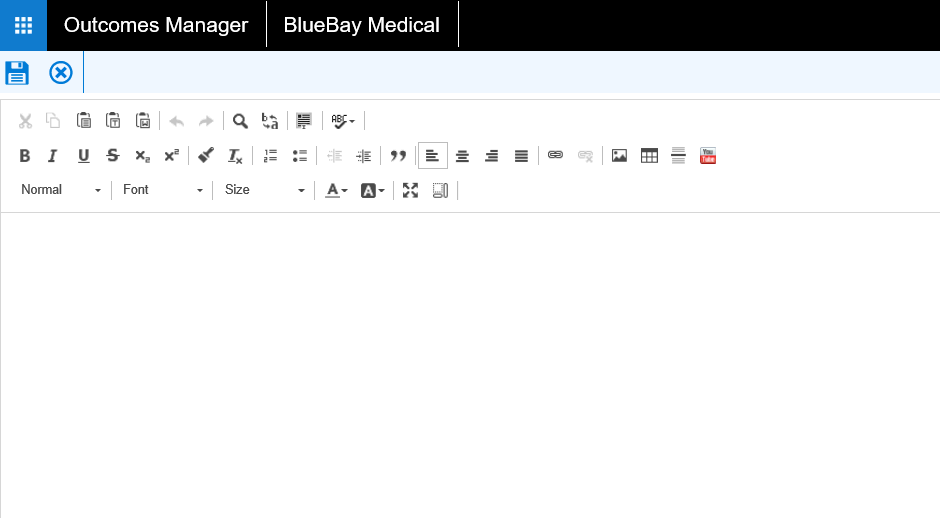
This then opens a document editing screen allowing you to type\ copy and paste text, insert images and You Tube video links and format accordingly using the menu items.
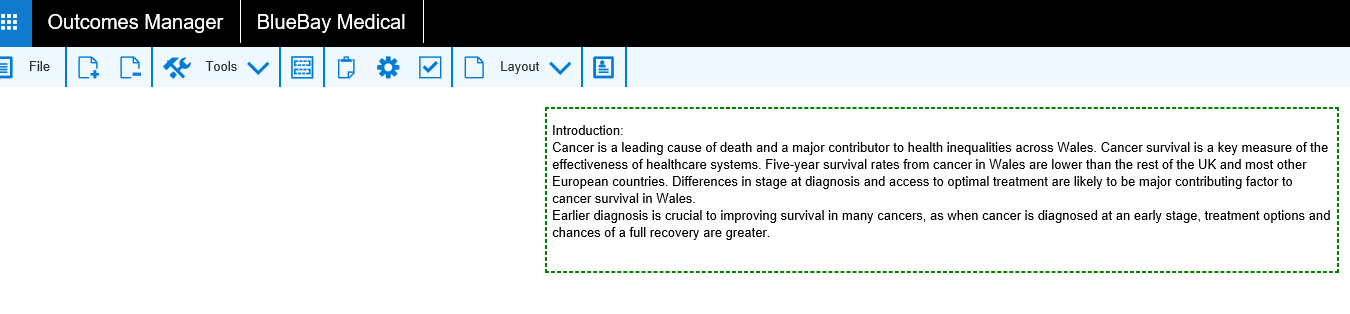
This completed section now displays.

Sections can be moved up or down within a Guideline if required.
An up or down arrow appears in the menu. (Dependant on position of the
section)