When a Guideline is being built it is set to draft mode by default. This enables the designer to make changes. When a Guideline is complete the designer sets the Guideline to Publish mode.
The status of the Guideline is displayed in the bottom left of the design screen.
When a Guideline is set from DRAFT to PUBLISH, this locks the Guideline so no changes can be made and it can be distributed for use.
To publish a Guideline


menu again and select Publish.
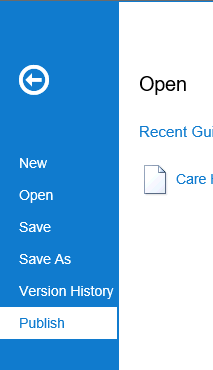
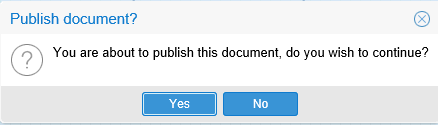
The status now changes to PUBLISHED and the Guideline cannot be edited.

The Guideline web link can now be shared to users. Sharing a Guideline.
Note: to make simple changes to a Published Guideline, select Unpublish from the menu, make the changes and set back to Publish. The New Version on the menu allows you to create a new version of your Guideline, whilst users can still use the old version.