 alongside the Rule Node. These should be edited using the Standard method
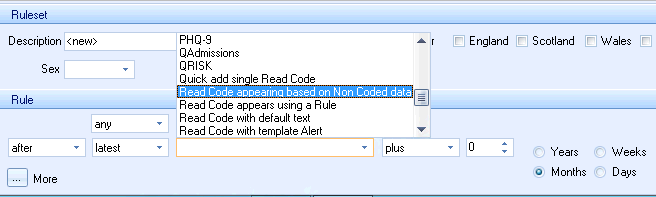
The Rule section at the base of the Pathway developer screen is used to create and edit Rule nodes that have a single rule line.
Existing Rule nodes that contain multiple rule lines are denoted by
the Hamburger icon
alongside the Rule Node. These should be edited using the Standard method

The Dropdown boxes that are available in the Rule section are dynamic and become available based on the options that are selected from within the menus
| Parameters dropdown | Codeset dropdown | ||
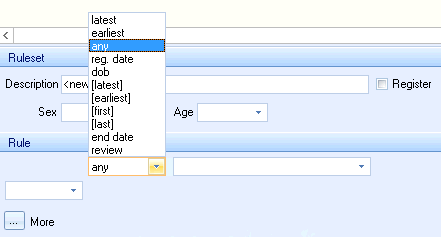 |
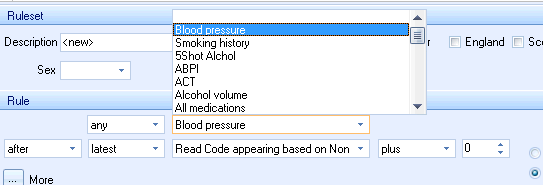 |
||
| Operators dropdown | 2nd Parameter dropdown | ||
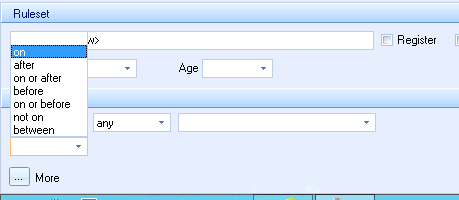 |
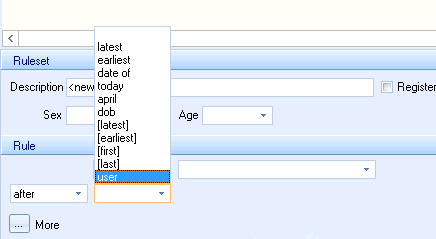 |
||
| 2nd Codeset dropdown | Period Units | ||
 |
 |
||