The country settings tick boxes are used to restrict elements of a pathway by their associated country.
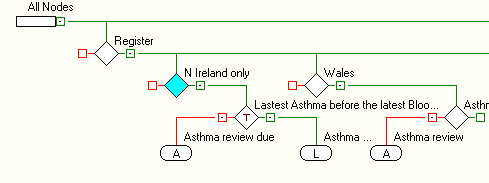
These are used for Pathways that are made available across countries but may contain regional variations to their requirements. The Rule nodes and anything connected to the Rule nodes (Alerts\ Lists) will be ignored. Rule Nodes that are defined as Template fields will either be visible on the template and disabled or invisible. This is defined in the Properties of the Template
Node.
Development note.
It is advised to create a Country restriction node in its own right. This setting then propagates down the Select and Reject branches beneath the defined Rule Node.
Setting Template nodes to disabled\ invisible on a template once the country restriction has been invoked.
• Create a Rule Node and add any Rules within it for filtering patients.
• Tick the countries as required.
• Select your Rule Node that has been defined as a template.
• Click The ...More Button.
• Within the Rule Node; highlight the rule line that has been defined as a template and click the Template icon.
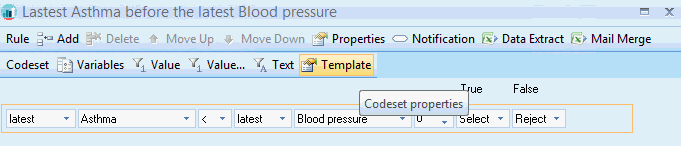
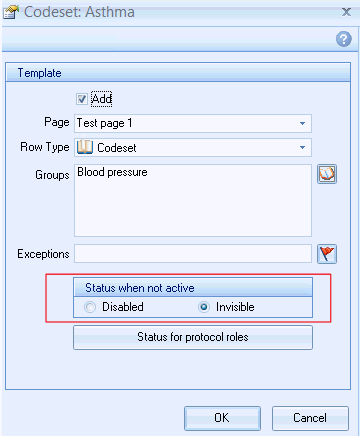
The Template properties pop up and the Status when not active can be set. This controls the behaviour of the Template field.