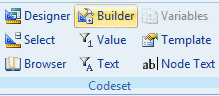
The Codeset Builder icon in the Codeset group items activates the Codeset Builder tool for a Rule Node containing a single Rule. This enables you to update the Codeset used in the selected Rule.
The Codeset Builder is used as a quick entry tool where the developer knows what clinical codes are to be used.
• Select a Rule Node in your pathway and click on the Browser icon. This will open the Codeset Builder screen.
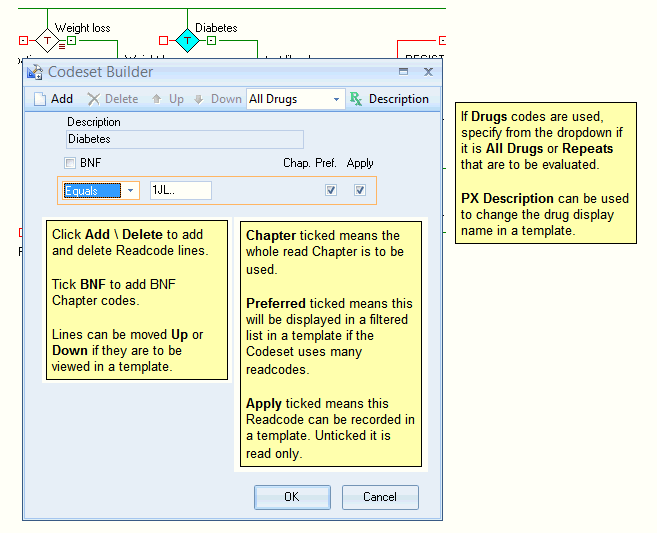
Add\ Remove codes
When the Builder control is pressed and the pop up appears, codes used in the Codeset are displayed.
• Click Add to add a new Codeset Line.
• Using the dropdown box, specify the code(s) to be included \excluded.
• To include\ exclude a code chapter, select the Between or the Ex Range (Meaning excluding) from the dropdown. This will activate the Chapter (Chap.) tick box. Type in the letter(s) referring to the chapter in the first box and select the Chapter tick box to auto populate the fields. Alternatively, type in the Chapter range manually.
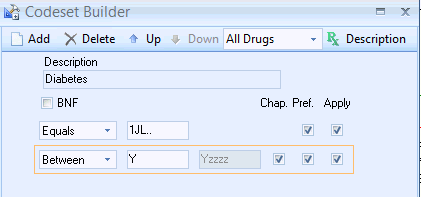
• Click OK once complete.