A Codeset File is usually the first step towards creating a pathway. The codes used to build up a Codeset File will form the rules controlling the outcomes within the pathway.
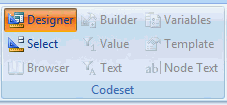
• Open Pathway Developer and click the Designer icon in the Codeset group items on the Home tab.
The Codeset File Window will display.
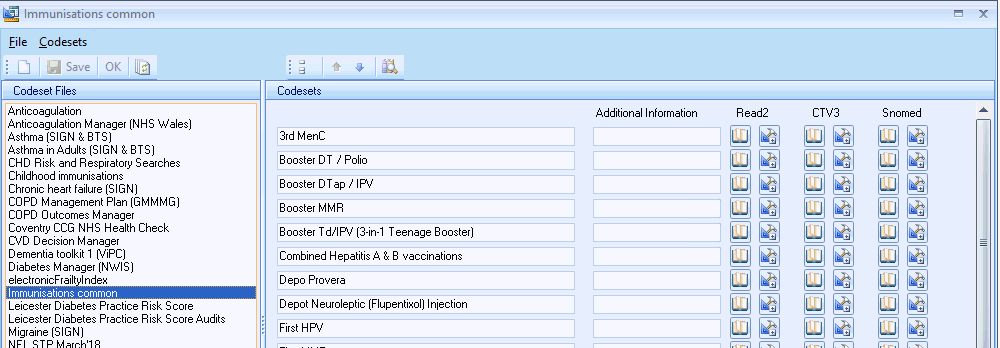
• Select File - New from the menu.
• Enter a name for your Codeset File.
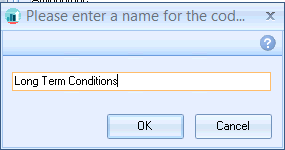
• Click OK.
Note You must add at least one Codeset to your Codeset File in before you can save it.
Adding a Codeset to a Codeset File.