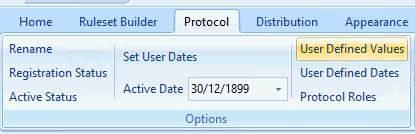
The User Defined Values control can be used to create a variable that will store a value. This variable can be used across multiple Rule Nodes within Rules. This means you only need to change the value in the variable and the change will replicate within all the Rule nodes that reference the variable..
This is often used to allow pathway developers to make quick changes to values that are used within rule nodes. It can also be set to allow end users to define the values. Users can do this by setting the User Defined Values in the Practice Mode Settings Section
Creating and using User Defined Values.
• Click on the User Defined Values control.
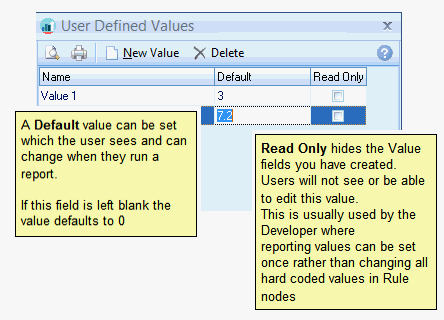
This opens up the configuration screen:
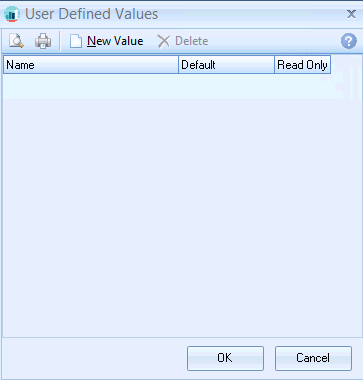
• Click on the New Value icon.
• Enter the name for the Value control in the data entry pop up; e.g. Value 1.
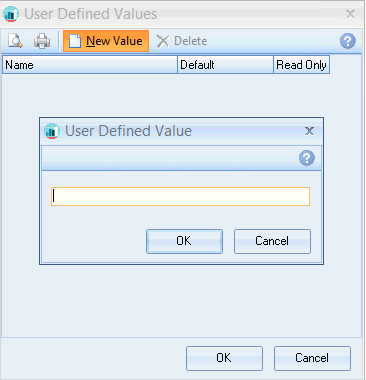
• Click OK.
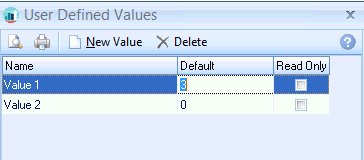
At this point you can set a default value and also define whether the value will be Read Only.
If Read Only is enabled users cannot change these values in the User Defined Values section in Practice Mode settings.
• Repeat for further values, then click OK.
Using User Defined Values in a rule.