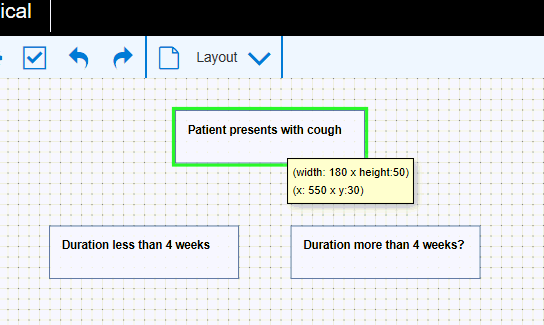
 At the same time, the mouse icon changes to a hand

To connect from one node to another node:
• Hover your mouse over the source node until the border changes to green.
At the same time, the mouse icon changes to a hand
• Click and hold your left mouse button and move your mouse to the target node.
A dashed line will appear:
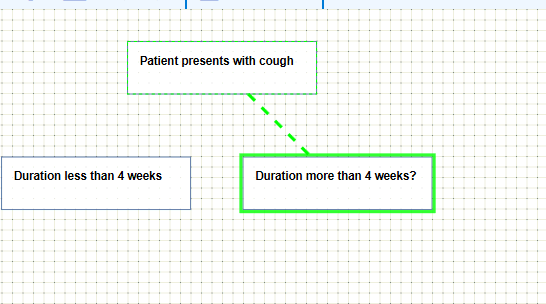
• Let go of the mouse button and the two nodes will connect.
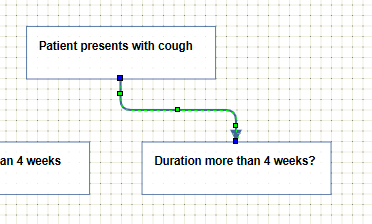
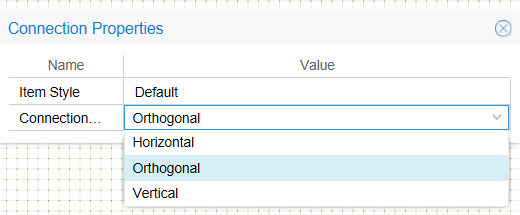
Changing the Connection type.
• Click on the connection. (Green adjustment points will appear)
• Click the properties icon.
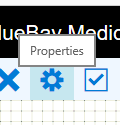
The Connection properties window will open and you can pick your connection type.
Alternately you can drag, reposition and reshape the connection manually by clicking on the connection line direct.