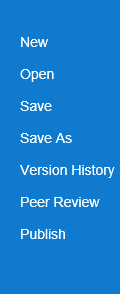
Default layout
 File Menu:
|
Node\Text Box
Adds a Workflow Node.
Adds a Text box.
Tools
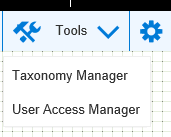
Add keywords and manage the taxonomy of your Workflow or selected Nodes.
Used to allow other users and teams access to edit the current Workflow
Properties\Select all

Workflow\ selected object properties.
Select all tick box.
Layout\Toggle Grid
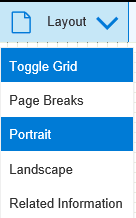
Toggle Grids- Turns the
grid view on\off in the designer screen.
Page Breaks - Displays the page
breaks in the Designer view.
Portrait layout - Orientates
the layout for the end user.
Landscape layout - Orientates
the layout for the end user.
Related information - Displays the Related information Window. This allows you to see the results of linked items in Design mode
Workflow Hierarchy \ Comments \Preview
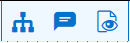
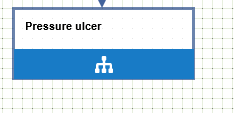
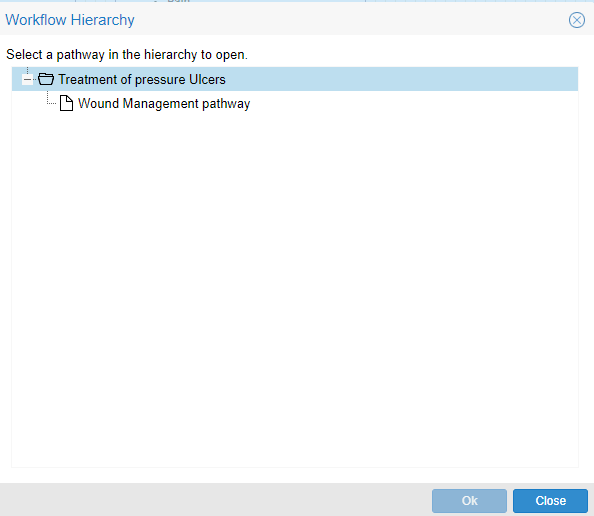
Workflow Hierarchy 
Allows the owner of the Workflow to view and open Workflows that have been linked.
Workflow Comments 
Workflow Comments are used when a Workflow has been marked for Review
Preview 
Clicking this icon previews the Workflow as seen from an end users view.