How to link the Workflow to your template
In order to link a Workflow to a template created in Pathway Developer,
the following needs to apply:
- You have a Pathway Developer licence.
- You must be logged into your Pathway Developer server in order
to create the links.
Linking your Workflow
- Login to your Pathway Developer Server and run Outcomes Manager.
- Click the Pathway Developer
tile to launch Pathway Developer. (Once this has loaded, log out of
Outcomes Manager)
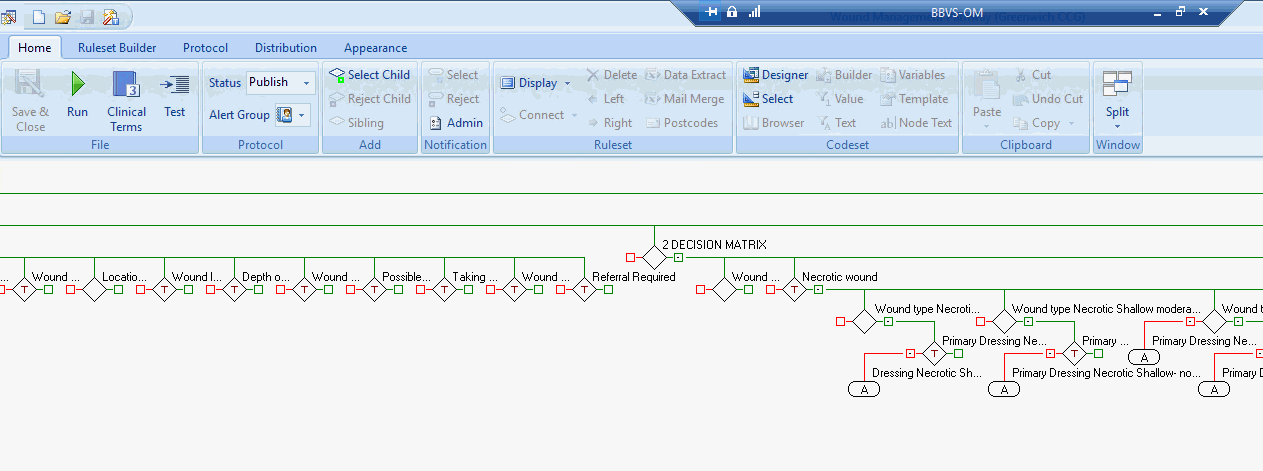
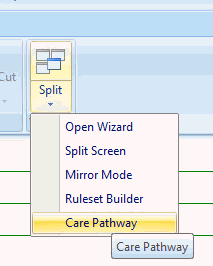
- From the Home tab, select
the Split icon and then the
Care Pathway option.
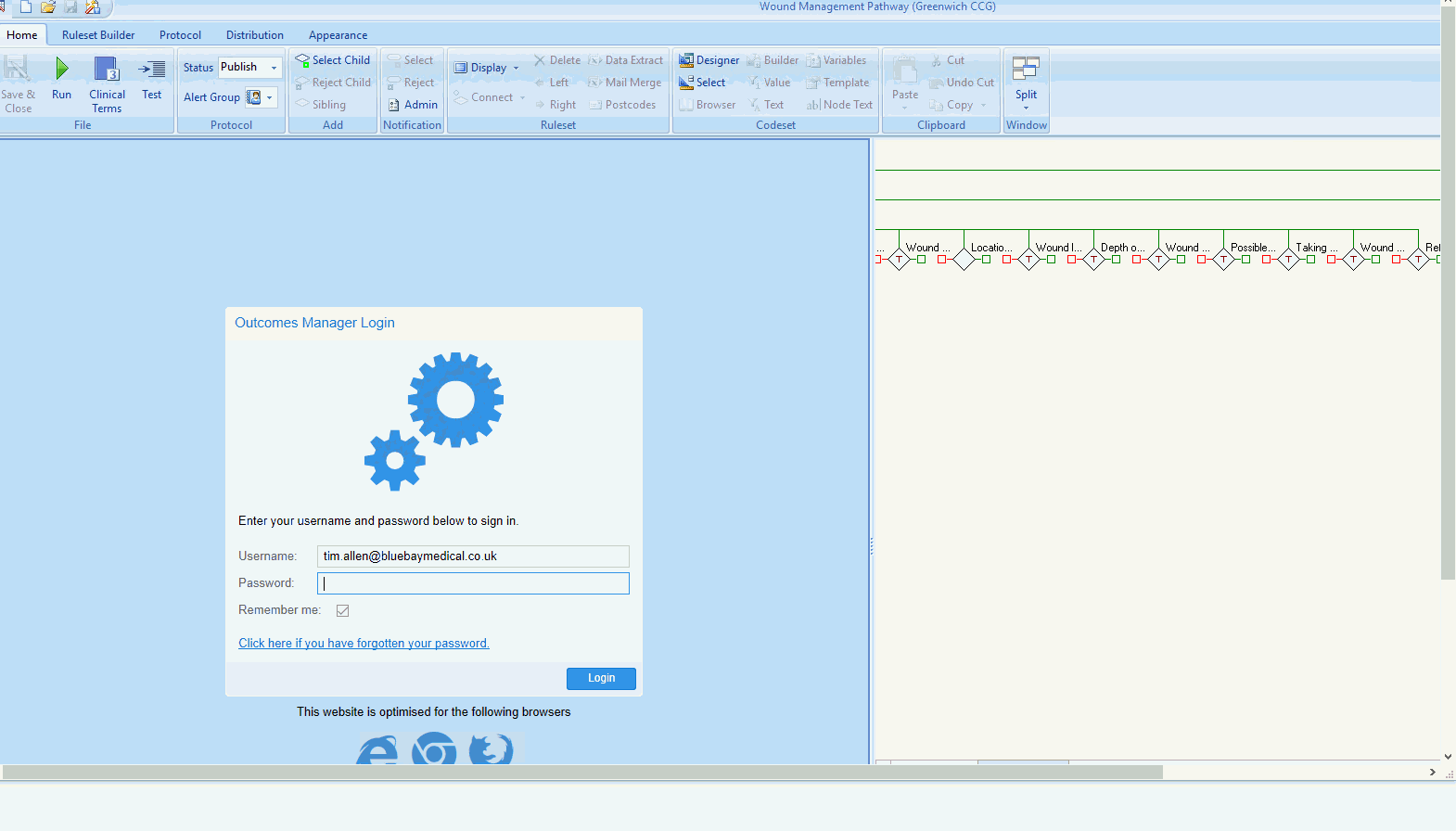
This then prompts you to log back in to Outcomes Manager.
The left hand pane then displays all the published
Workflows that you own. Select your Workflow and click Open,
or clear the filter and search for other Workflows created by other users.
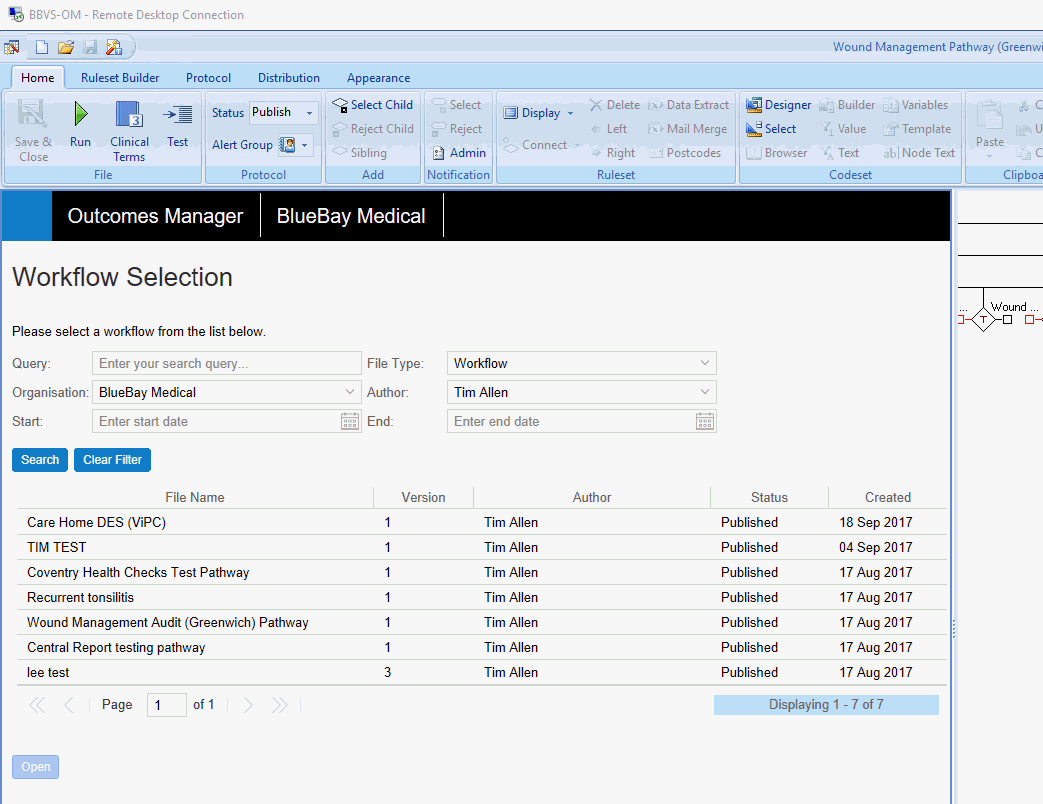
Once opened, the Workflow appears in the left hand pane.
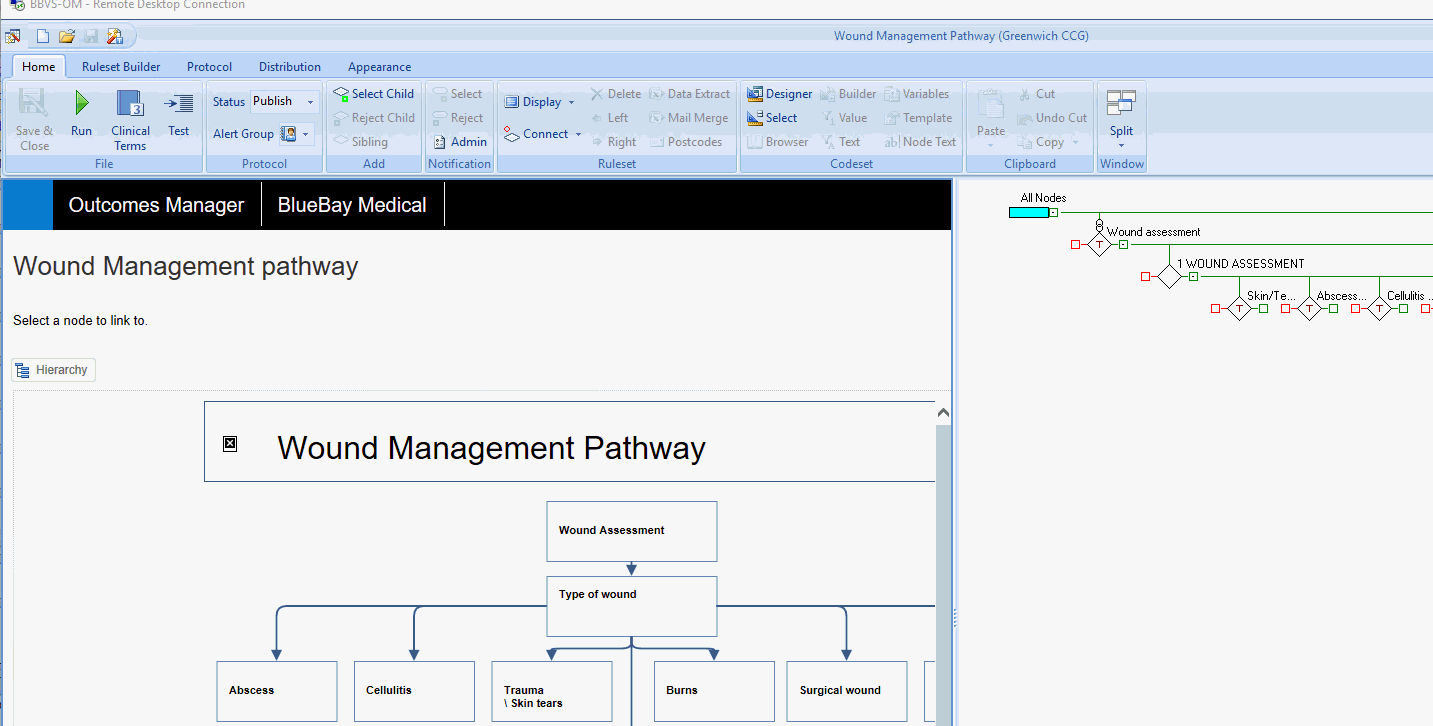
- Click on a node in the Workflow (the border changes to green).
- Locate a template node
or an Alert indicator in the
right hand pane and right mouse click on it to activate the in line
menu.
- Select Connect -
Add Link
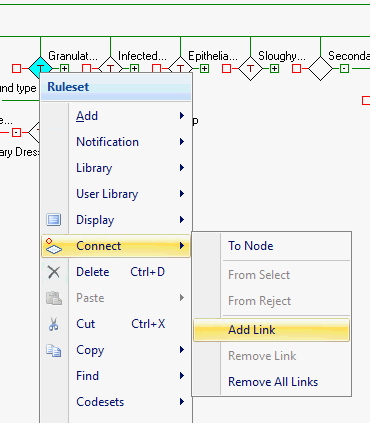
Once a link has been added, the template node in the pathway displays
a Infinity link above it.

- Repeat for all template nodes (Alert Nodes can be linked in the
same way)
- Save your pathway in the usual way and deselect the Care
Pathway option from the Split
menu.