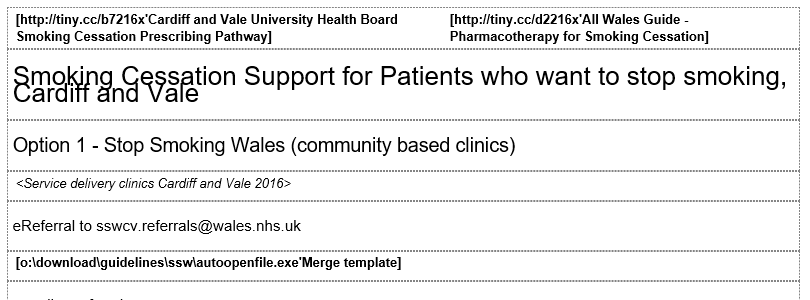
Sections created \ imported into Guideline can be further separated into elements. This process is easier than having to manually insert new sections into a Guideline and type in\ paste in text.
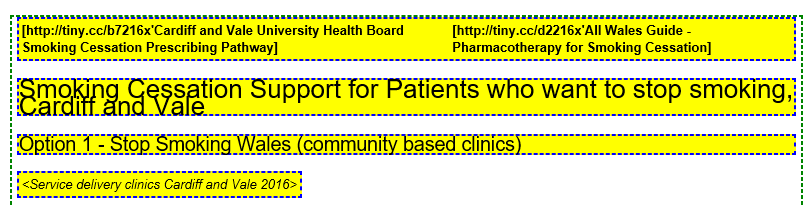
Guideline then analyses the section and separates the lines and highlights these in yellow. (Note: Some lines may need further separation if required, depending on the contents, e.g. images, symbols etc)
The original single section now changes to multiple sections based on the highlighted elements.