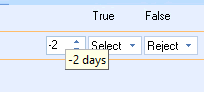
The units can be varied and the period of time can be in the future or in the past.
|
The Period Units slider is used to apply a time period against
the 1st parameter in your rule line. It appears when an Operator
control is added to the Rule The units can be varied and the period of time can be in the future or in the past. |
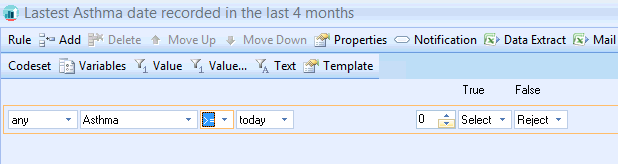
The example above is looking for the latest recording of Asthma in the last 4 months (The months period has been defined in the Rule properties)
The rule does the following:
Take todays date today
-4 months from it.
The >= control says from that exact date and going forward
Look for the latest
Asthma
Changing the Period units
This then activates the period Units slider. The default unit is zero and the period is months
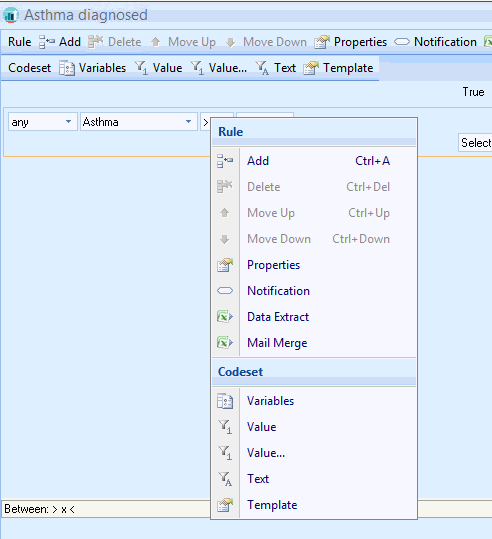
This will open up the Properties for the selected Rule Line.
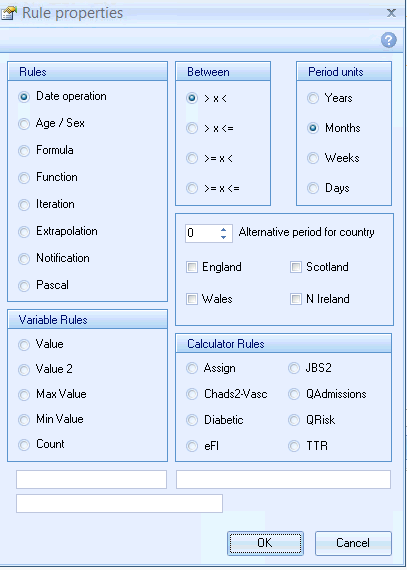
The Period units properties of the Rule are set to the default setting > x <
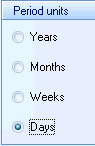
Moving your mouse over the period units slider will pop up the select underlying period