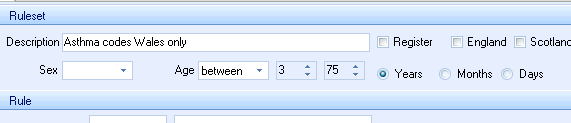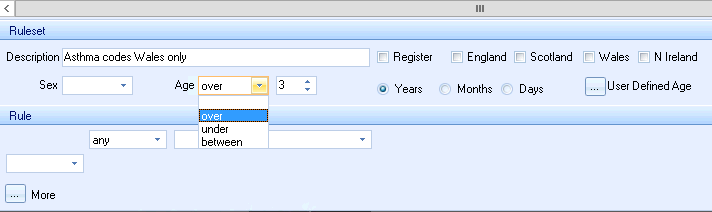
The patient Age drop down in the Ruleset Section applies the selected age or age ranges sex to the selected rule.
Over Age range.
Under Age range.
Between Age range
Years\ Months\ Days
User Defined Age
The User defined Age control uses values that are configured vi the User Defined Dates control in the Options group items on the Protocol tab
• Set the Age Drop down to Over, Under or Between
• Click the ... User Defined Age button.
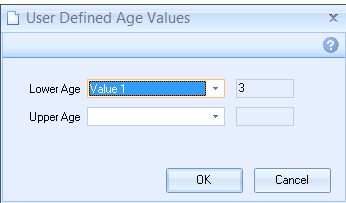
This opens the user Defined Values age entry box:
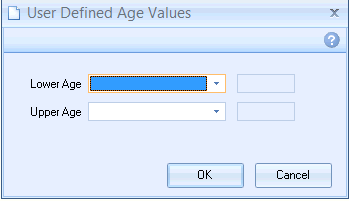
• If you are using the Over or Under Range then populate only the Lower Age drop down.
• Click the Lower Age drop down
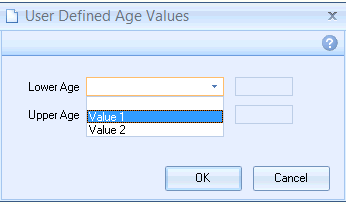
• Select one of the user defined Value fields
The defined value will then appear.
• Click the Upper Age drop down (If using the Between range)
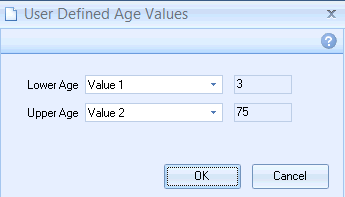
• Click OK
The defined ages will now appear in the Ruleset window. These will be greyed out as editing is not possible