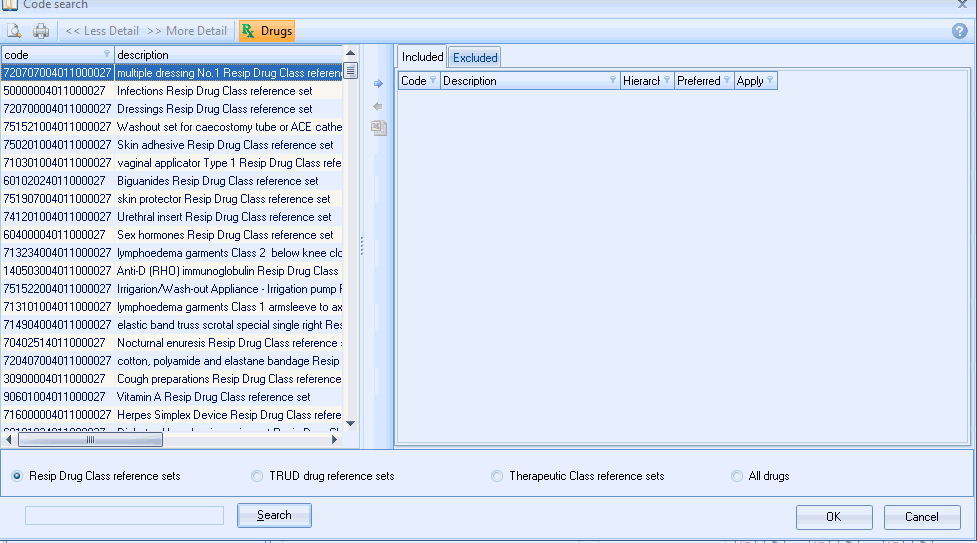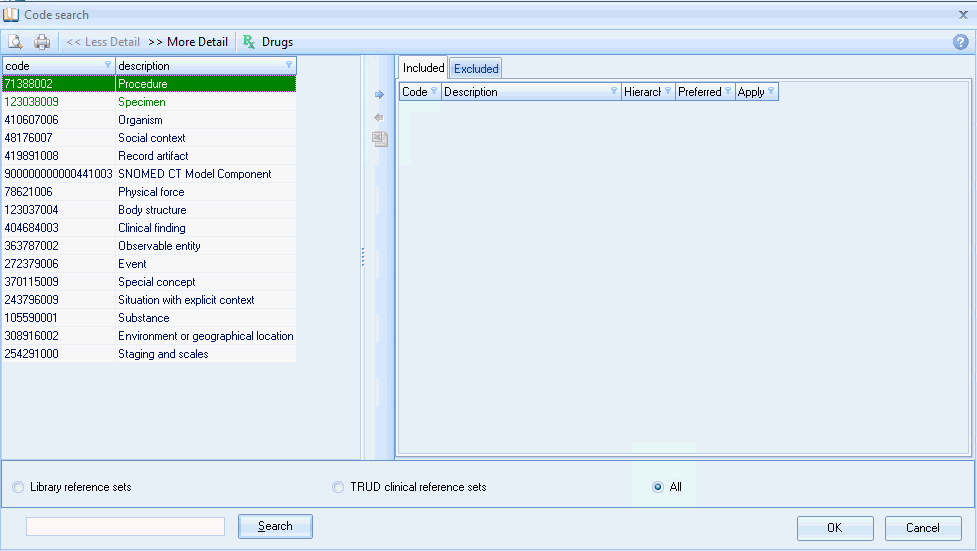
The Snomed search screen works in the same way as the Read code Browser screen.
Clinical systems are migrating to Snomed in 2018. The Pathway Developer Codes search screens allow you to map in all 3 clinical codes (Read, CTV3 and Snomed)
It is recommended that when you create Codeset files that you build in all 3 clinical coding systems. The Code search screen allows you to create Codesets in Read then map to CTV and then Snomed. This process works for one to one mappings, however the system does not allow you to map Read chapters to Snomed hierarchies. This will have to be a manual process or using 3rd party tools.
The Snomed code browser contains Reference sets. This is a top level externally maintained code linked to underlying Snomed codes. This allows the system to perform optimally rather than having Codesets containing hundreds of codes.
The Snomed code search screen works in the same way as the Read and CTV3 screens. It has a number of sections that can be used to identify required Codes.
Where possible it is recommended to use Reference sets when building your Codeset
Reference sets are maintained automatically so there is no need to periodically review your Codesets to add \ delete codes.
These are custom built reference sets that where possible are based on QOF I.e. Cancer Diagnosis library reference set. These will be updated monthly
These are provided by NHS Digital and will be updates on a monthly basis
This is the complete Snomed library and updates will be provided every 6 months
The Drug Search screen operates in the same way as the Clinical codes and users reference sets these will also be updated on a monthly basis.